
Have you ever wanted to have your users create a parent and child objects at once, without relying on them to remember to do it? If you haven’t, can I come work in your org?
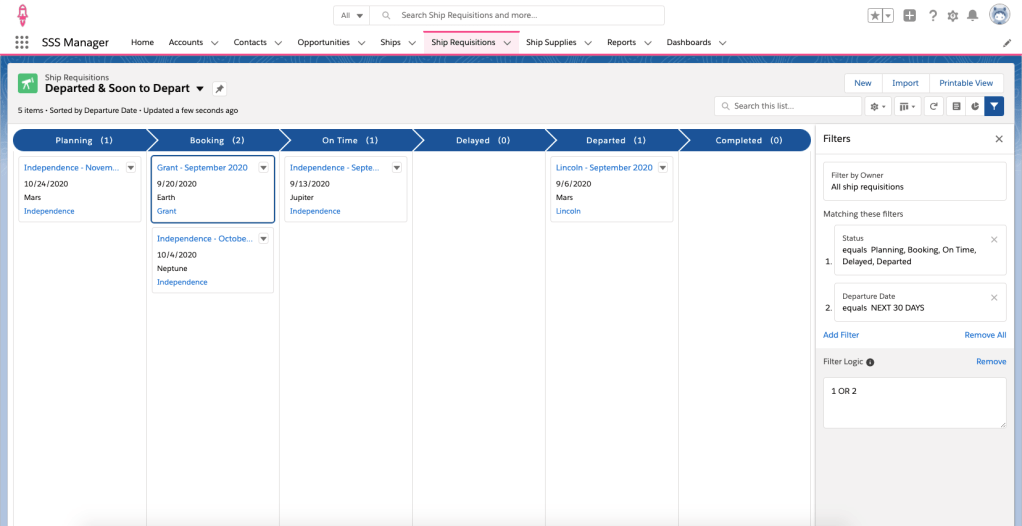
Let’s pretend Tim McGee is an awesome admin at Skywalker Space Shuttles. Tim’s VP of Operations, Becky Stark, comes to Tim and tells him she’s seen a lot of Ship Requisitions created without the necessary Supplies Needed records. She asks Tim to find a way to make sure this doesn’t happen. Tim thinks about the best way to solve this. He knows his users prefer to do a minimal amount of clicking and thinks Flow will be a good option.
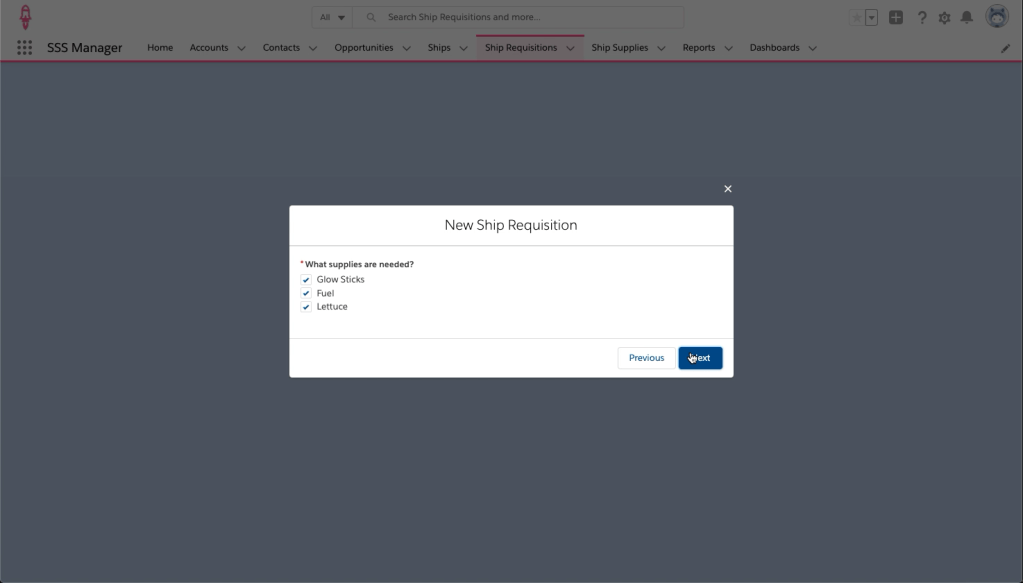
First, Tim creates a Screen Flow to enter the required information for both the parent and child records.
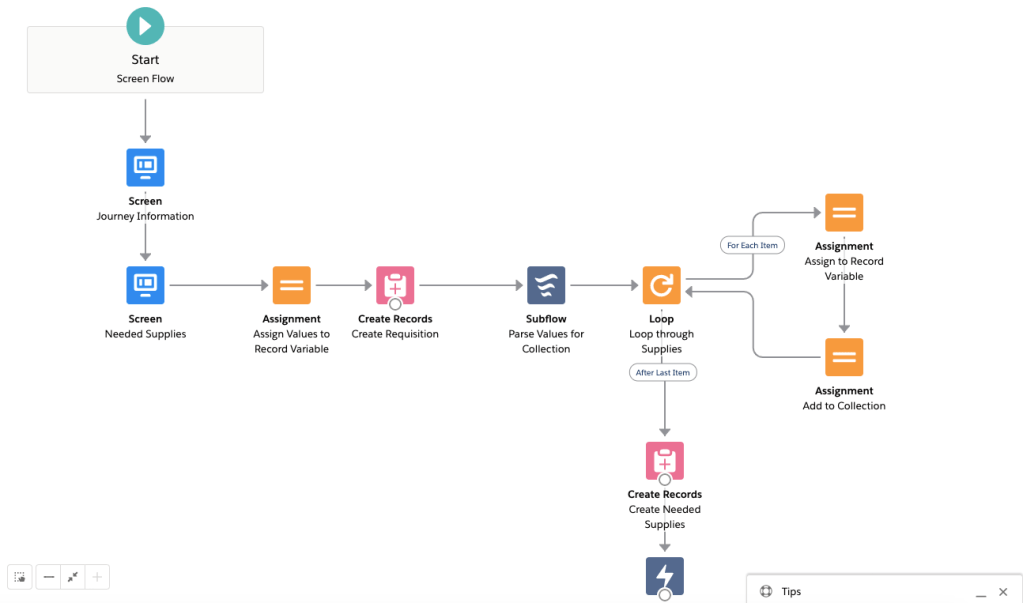
What a great job, Tim! But he wants to run this flow instead of the standard “New” process on the Parent records. To do this, Tim will need to put on his developer hat and create a lightning component to run the Flow.
Aura Component
Tim goes into Visual Studio and creates a new Aura Component (He could also use the Developer Console and click New > Aura Component).
NOTE: If Tim did not want to embed a flow, he should use a Lightning Web Component. Aura Components are the “Old School” way to create embeddable components. However, at this time, there is no way to embed a Flow in a Lightning Web Component.
He gives it an easy to understand name – ShipRequisition_Create and puts in this code.
<aura:component implements="force:lightningQuickActionWithoutHeader,lightning:actionOverride" access="global">
<aura:handler name="init" value="{!this}" action="{!c.init}" />

    <div aura:id="editDialog" role="dialog" tabindex="-1" aria-labelledby="NewShipRequisition" class="slds-modal slds-fade-in-open">
        <div class="slds-modal__container">
            <div class="modal-header slds-modal__header" aura:id="NewShipRequisition">
                    <lightning:buttonIcon iconName="utility:close"
                                              onclick="{! c.closeModal }"
                                              alternativeText="close"
                                              variant="bare-inverse"
                                              class="slds-modal__close"/>
                    <h2 class="slds-text-heading--medium">
                        New Ship Requisition
                   </h2>
            </div>
            <div class="slds-modal__content ">
                <lightning:flow aura:id="flowData" />
            </div>

        </div>
    </div>
    <div aura:id="overlay" class="slds-backdrop slds-backdrop--open"></div>
</aura:component>
Next, Tim is going to create the controller for his new component.
({
    init : function (component) {
        // Find the component whose aura:id is "flowData"
        var flow = component.find("flowData");
        // In that component, start your flow. Reference the flow's Unique Name.
        flow.startFlow("Ship_Requisition_New_Record");
    },

    closeModal : function (component,event,helper){
      var homeEvent = $A.get("e.force:navigateToObjectHome");
        homeEvent.setParams({
            "scope": "Ship_Requisition__c"
        });
        homeEvent.fire();
    },
})
Now, Tim uses SFDX to deploy his new aura component to his Sandbox.
Update “New” Button
Once Tim has deployed the component to his Sandbox, he can override the “New” button with it. First, he goes to the Ship Requisition object in the Object Manager. Then he selects Buttons, Links, and Actions. Next to the New button, he clicks the drop down arrow and selects Edit.
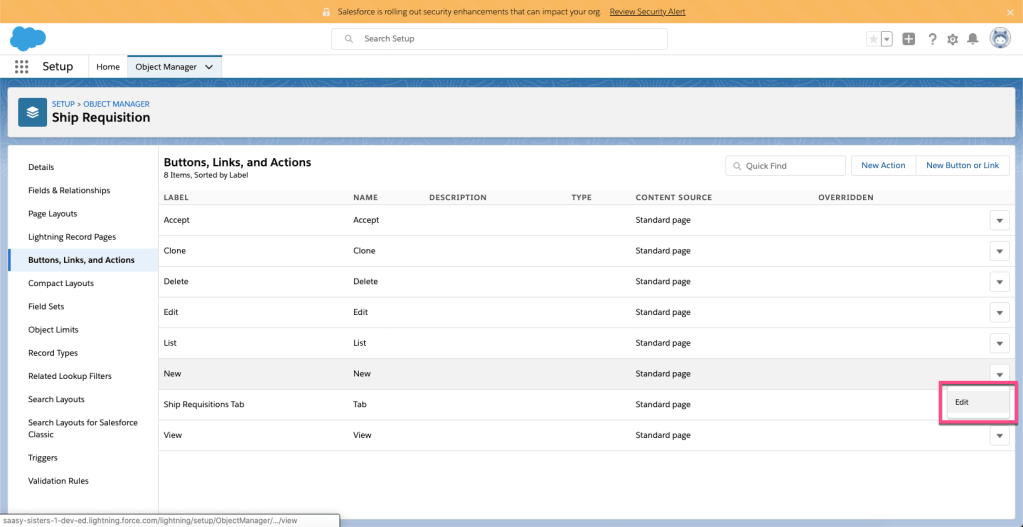
He then updates the Lightning Experience Override with his new Aura Component.

Tim’s users only use Lightning, so he’s not to concerned about the Classic Override. He doesn’t have any users on mobile just yet, but he plans to update that process later. For now, he doesn’t change anything else.
When Tim finishes his update, the Buttons, Links, and Actions page looks like this:

Testing the Component
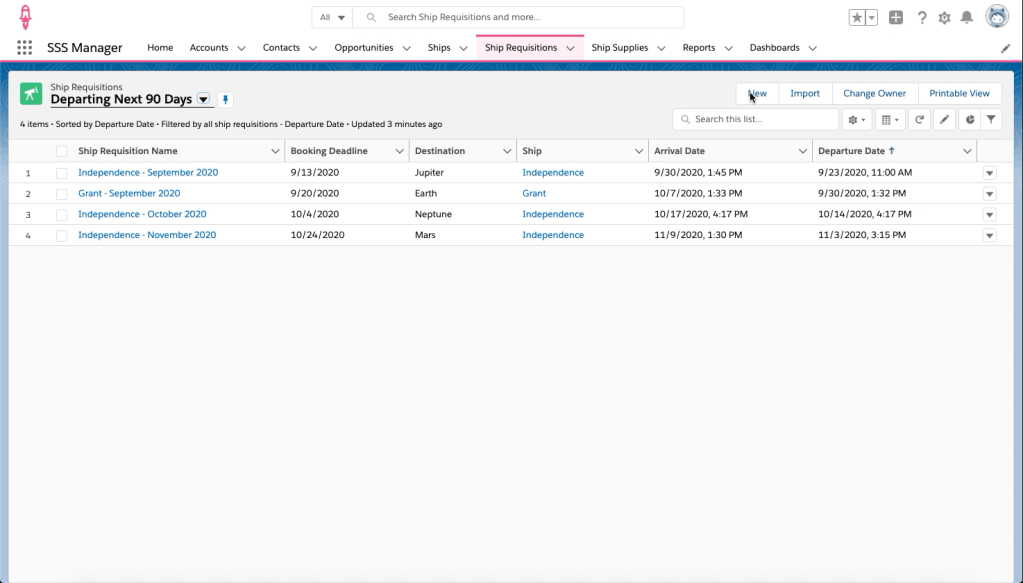
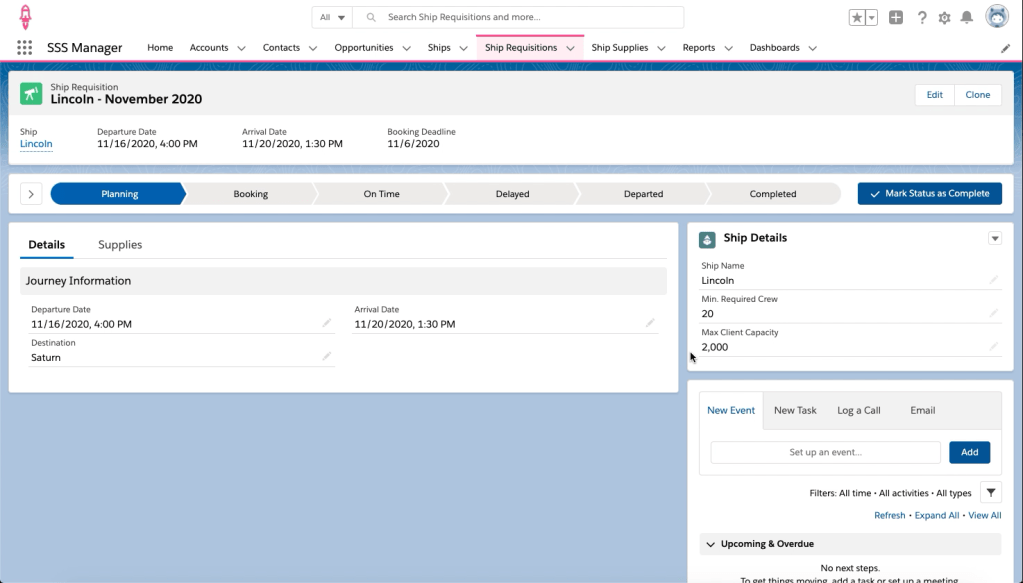
Now that Tim has done the configuration work (in his sandbox, like the Awesome Admin he is), he tests out his work by clicking New on the Ship Requisitions tab.

Resources
Tim used his sluething skills and found a few things to help him out while he built this functionality:
- Salesforce Sidekick: Parse a Multi-Select Value in Visual Flow
- Unofficial SF: Navigate Everywhere
 SaaSy Sisters